
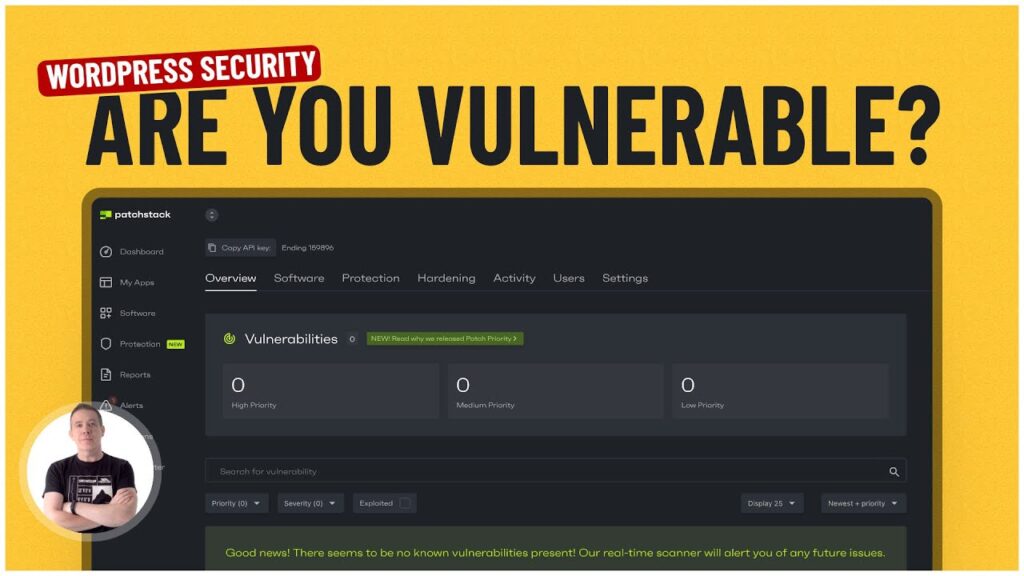
Keep your WordPress website safe from vulnerabilities and hacks with Patchstack!
Learn about Patchstack:
In this guide, I dive into the features and setup process of Patchstack to help you maintain a secure WordPress environment.
Whether you’re a beginner or a seasoned webmaster, this video, sponsored by Patchstack, will provide valuable insights into WordPress security.
What You’ll Learn:
– The importance of WordPress security.
– How to set up and connect your WordPress site with the Patchstack plugin.
– An overview of Patchstack’s dashboard and how to monitor security vulnerabilities.
– The process of updating vulnerable and outdated plugins directly from the Patchstack interface.
– An explanation of Patchstack’s vPatching protection and how it secures your site without affecting performance.
– Details on advanced features like automatic protection, advanced hardening, and the community IP block list.
– Information on pricing for different Patchstack plans and how to upgrade for additional features and protection.
Getting Started with Patchstack:
– Installation of the Patchstack plugin on your WordPress site.
– Connecting your site to the Patchstack account using an API key.
– Syncing your site with Patchstack to enable security monitoring.
Exploring Patchstack Features:
– Identifying and resolving low, medium, and high-priority vulnerabilities.
– Utilizing Patchstack’s email notifications to stay informed about potential security issues.
– Leveraging advanced security measures such as vPatching and the community IP block list.
Patchstack Pricing and Plans:
– Free and paid plan options to suit different needs and budgets.
– How to increase your connected site limit and add per-site protection.
Take your WordPress website and skills to the next level!
► SUBSCRIBE ◄
► LETS CONNECT: ◄
👉 Learning course:
👉 Video teaching Group:
SUPPORT: Our website offers additional information and perks. Please check it out!